5.0

TECHNOLOGY — SECTION 5

LiveJudge™ Pilot Experience

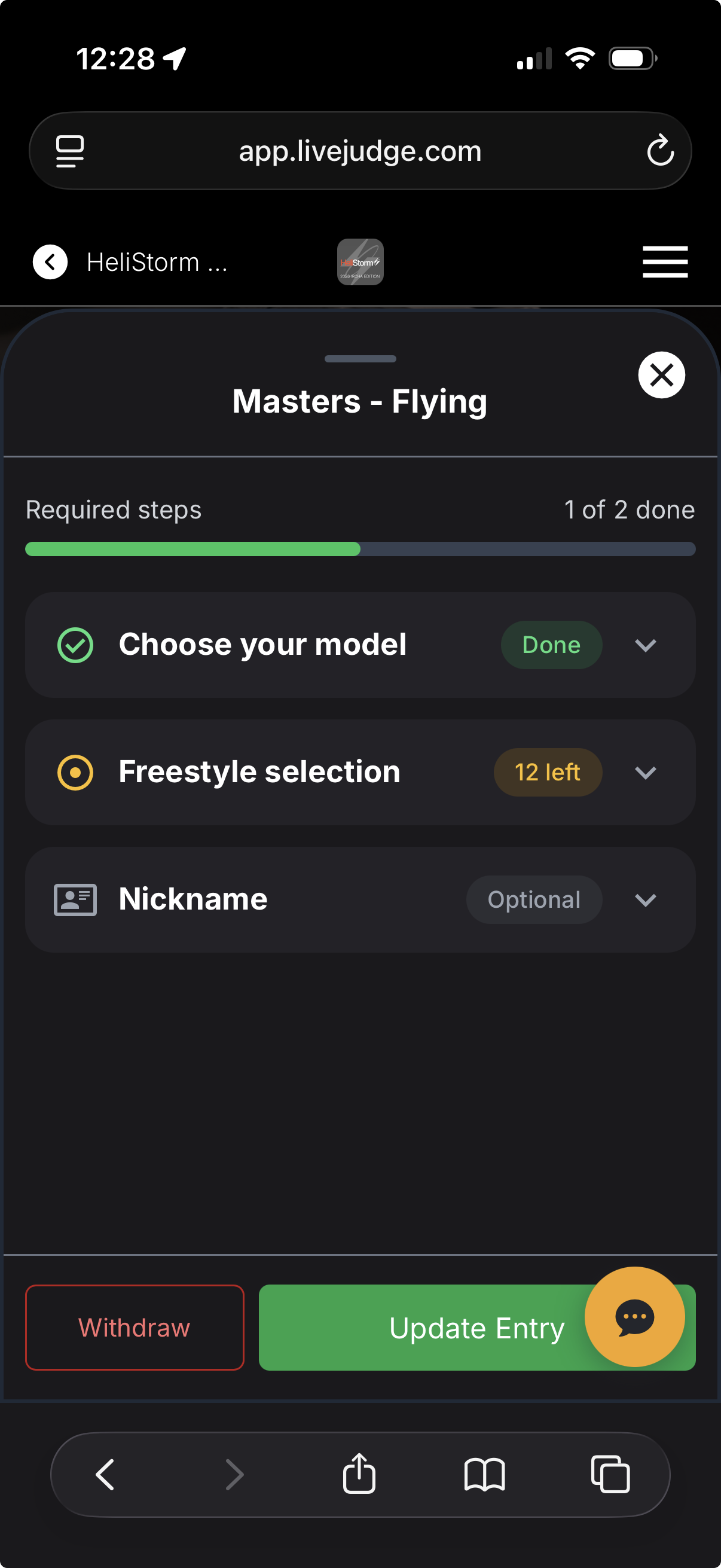
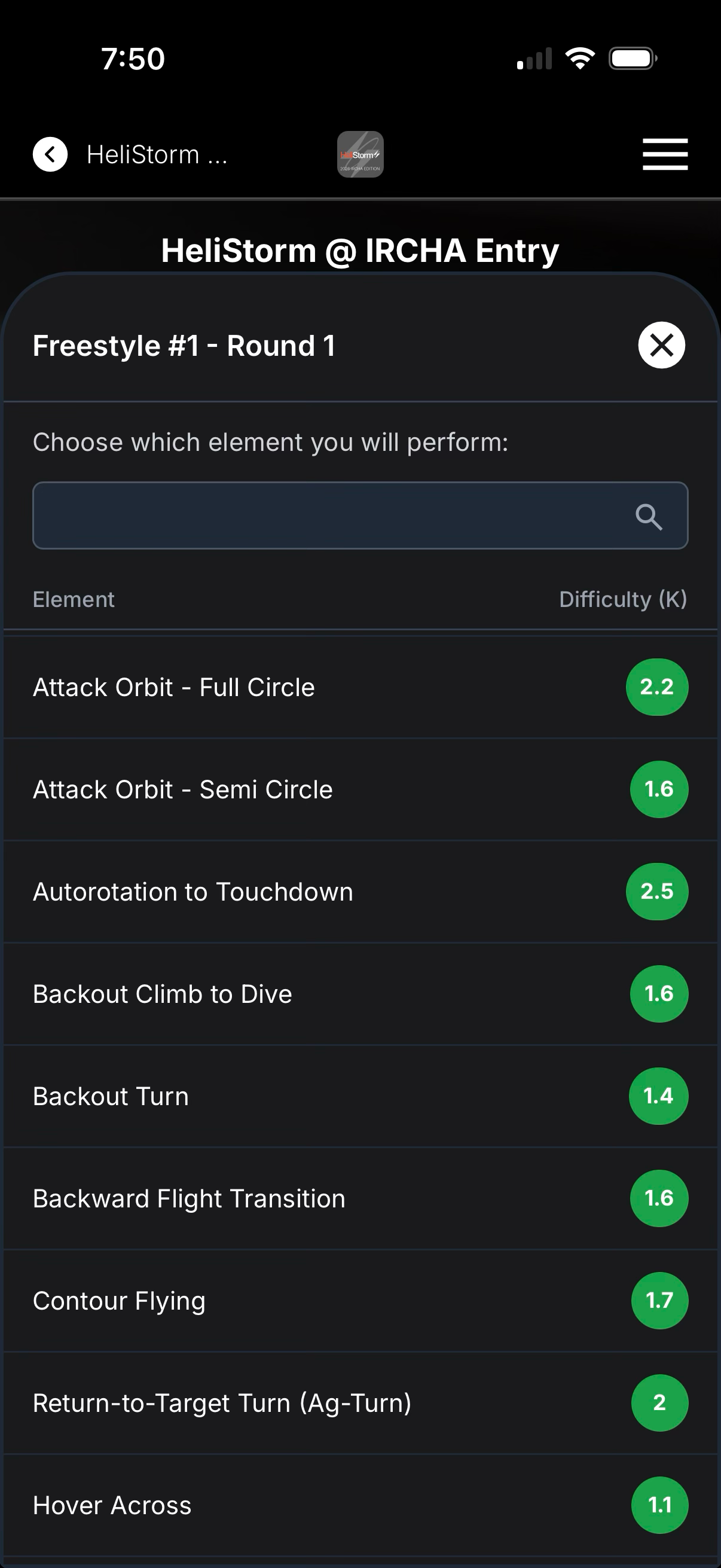
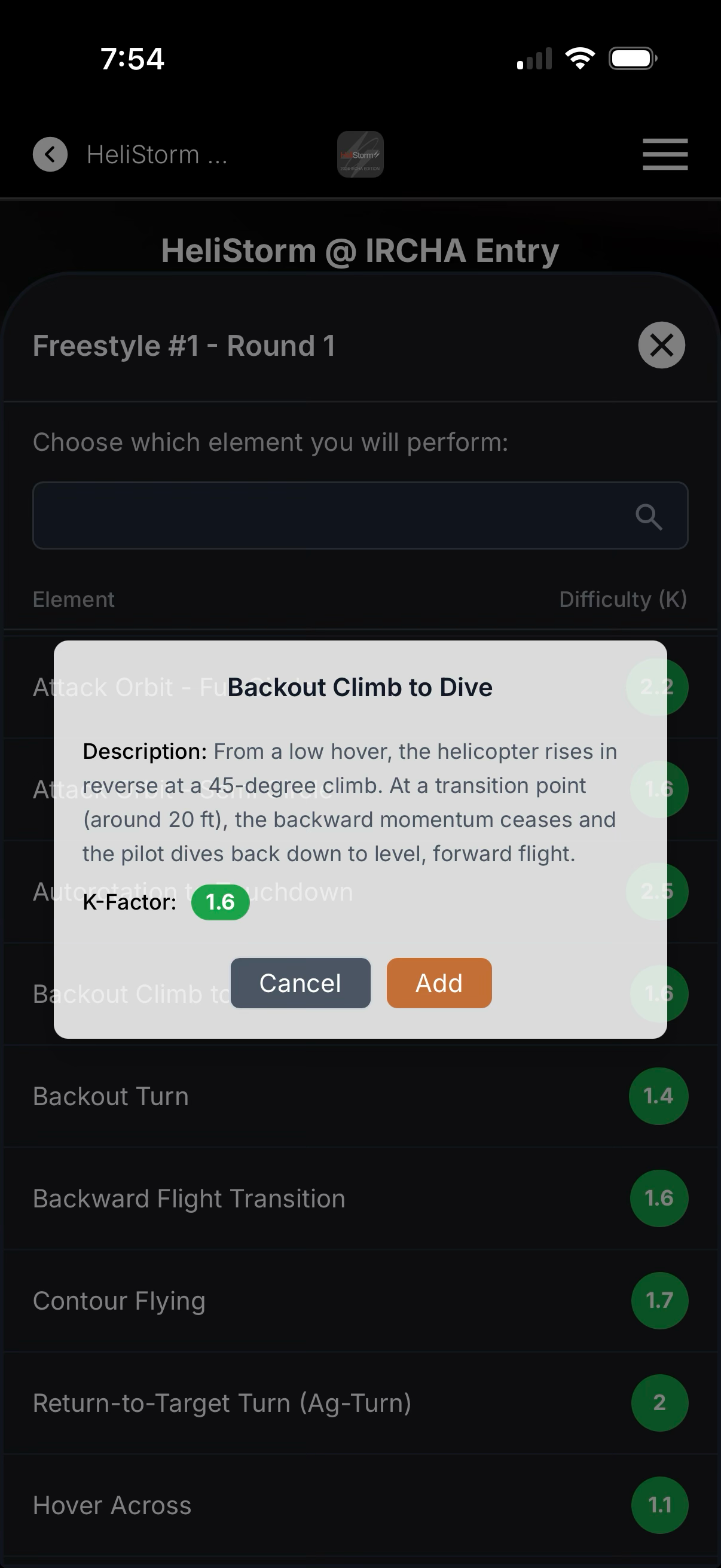
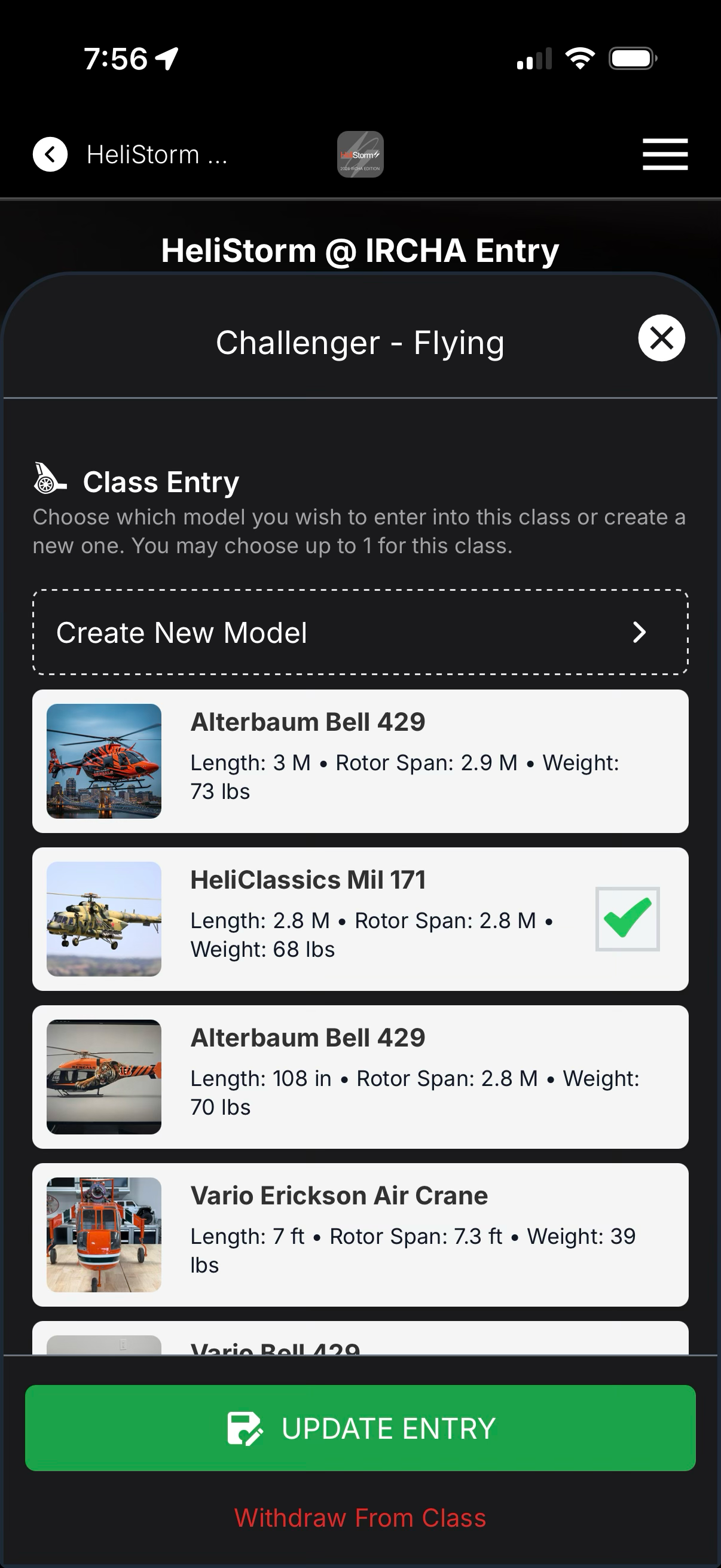
To run a HeliStorm-sanctioned event, the host uses the LiveJudge™ platform. Contestants sign in with NO PASSWORDS OR DOWNLOADS — by scanning the event QR code they see the classes they entered and select their freestyle maneuvers.
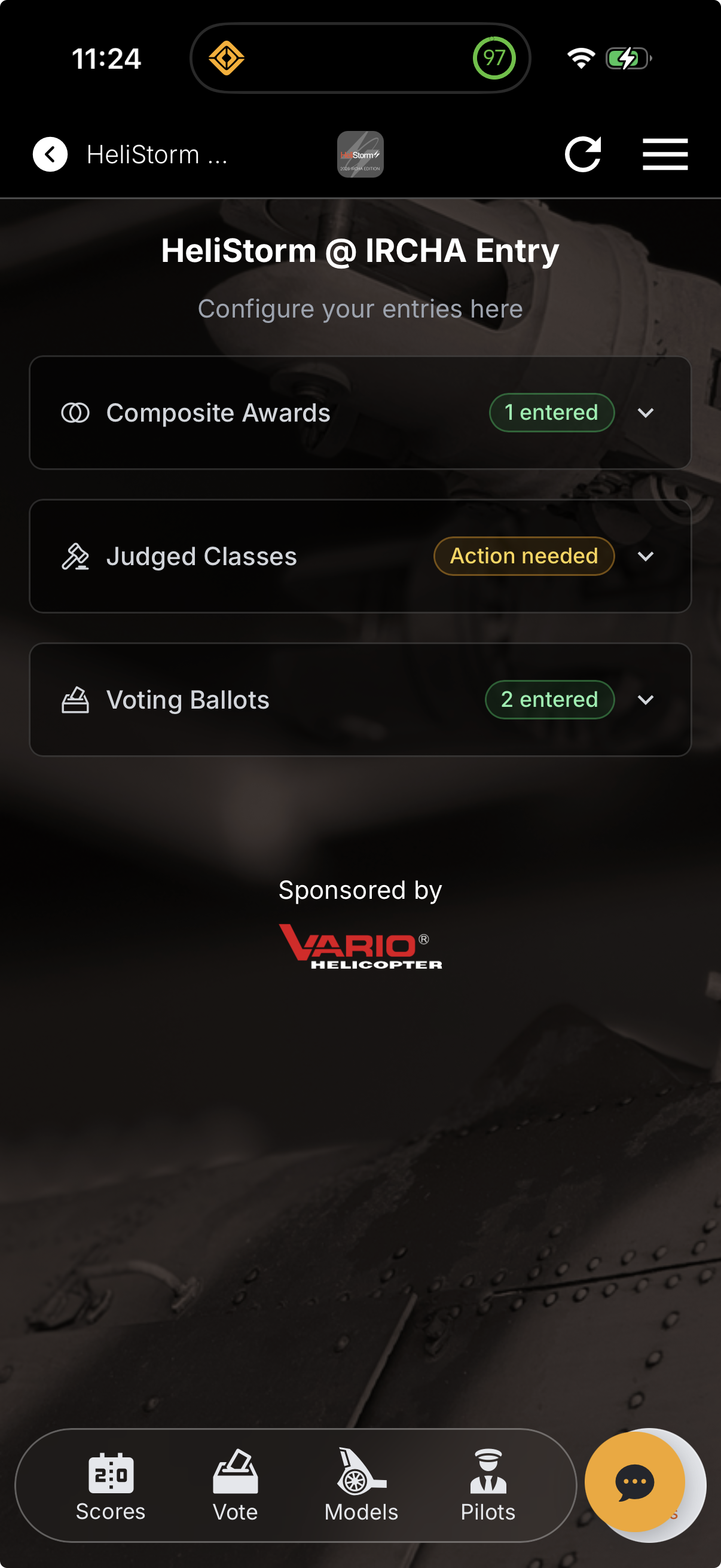
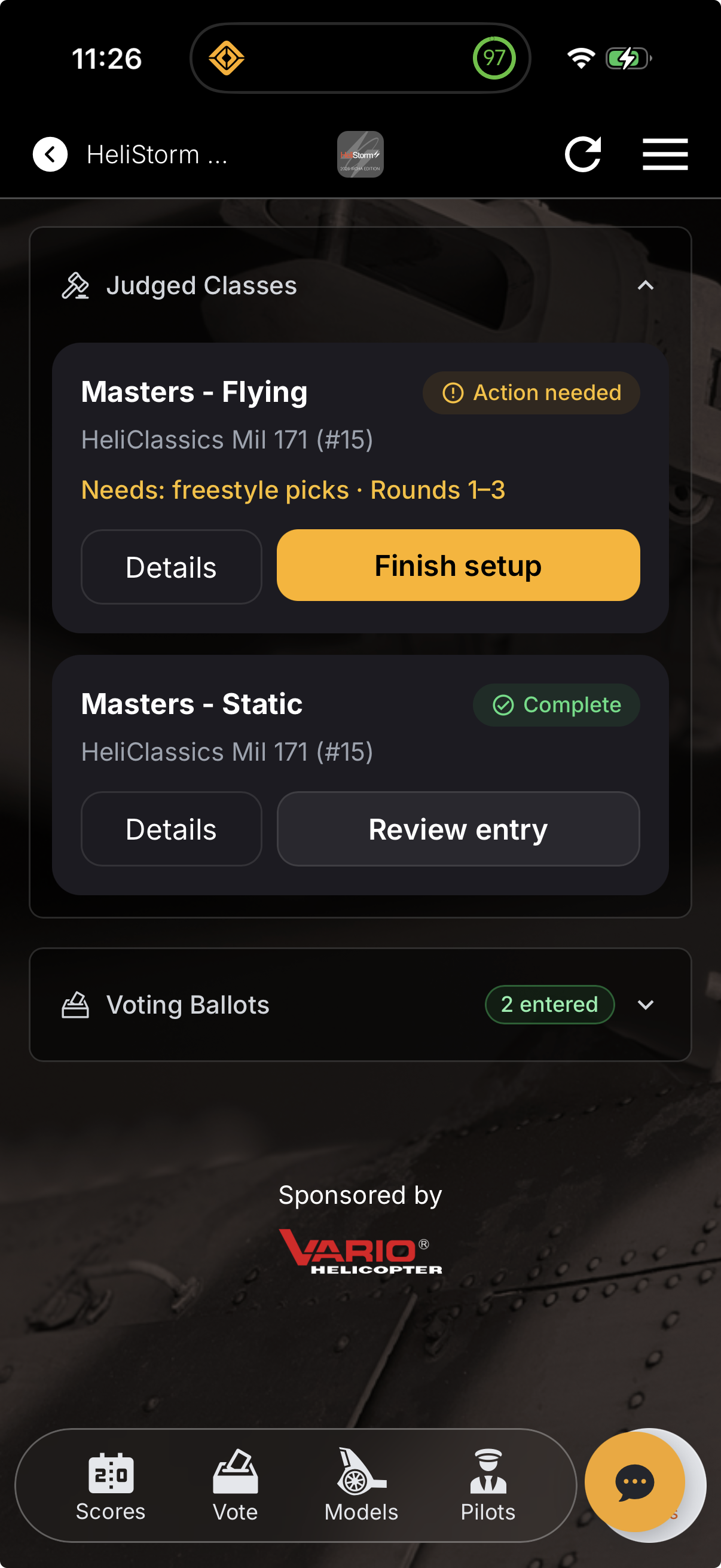
User taps “Incomplete”
Selects round & freestyle slot
Chooses from the catalog
Maneuver confirmation
Creates or chooses a model
Adds optional bio data
5.1

TECHNOLOGY — SECTION 5

LiveJudge™ Judge Experience

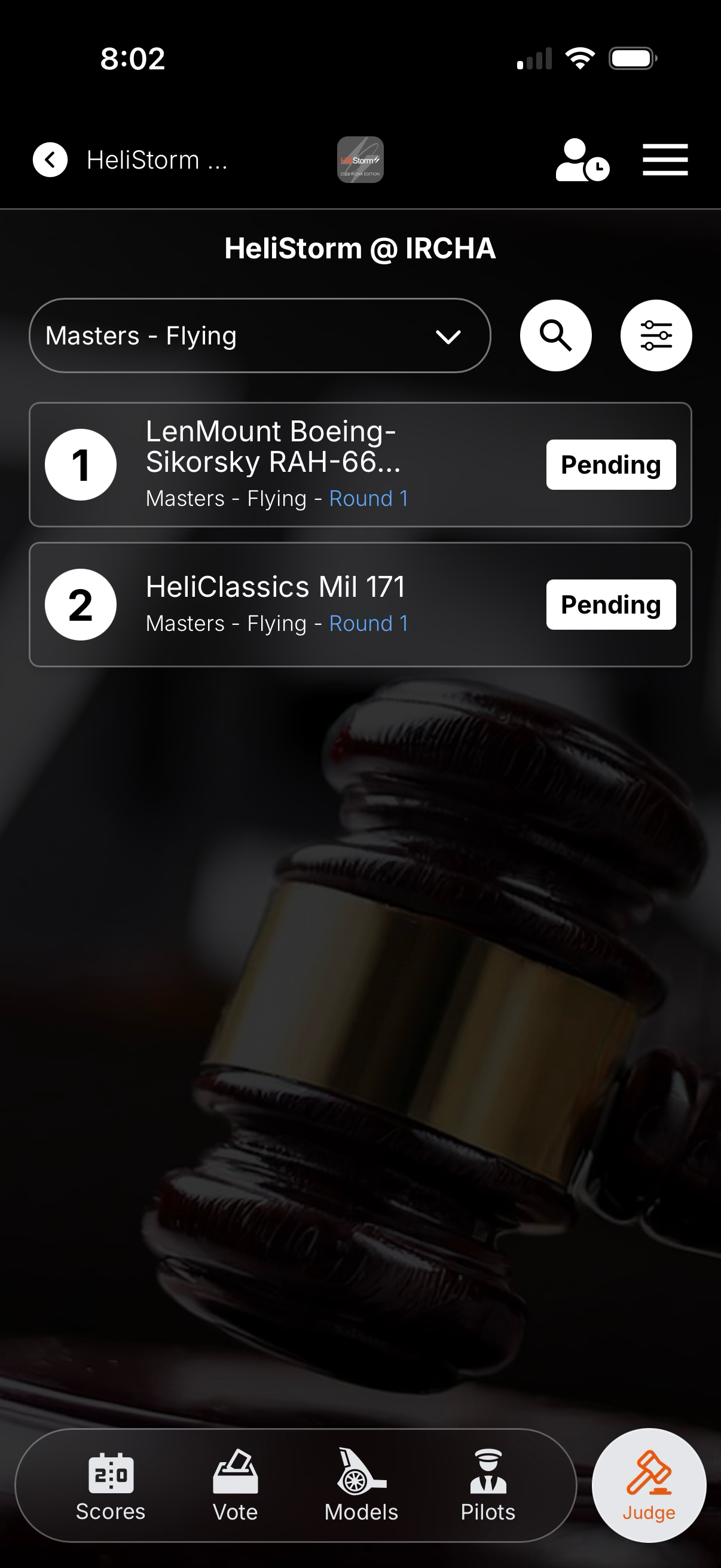
Assigned judges sign in with NO PASSWORDS OR DOWNLOADS. By scanning the event QR code, judges can immediately begin scoring or look over pilot routines.
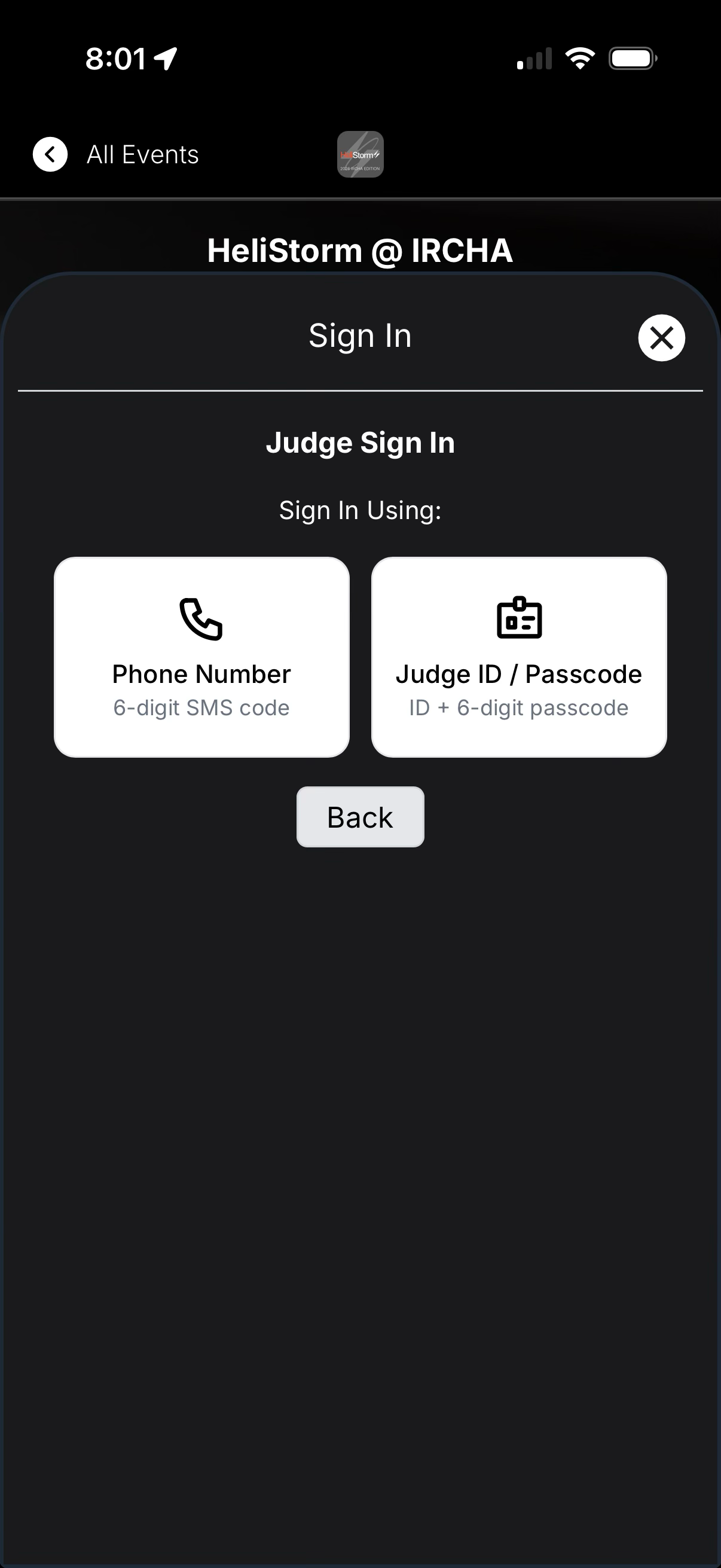
Simple sign-in
Simple sign-in
Goes right to the pilot list
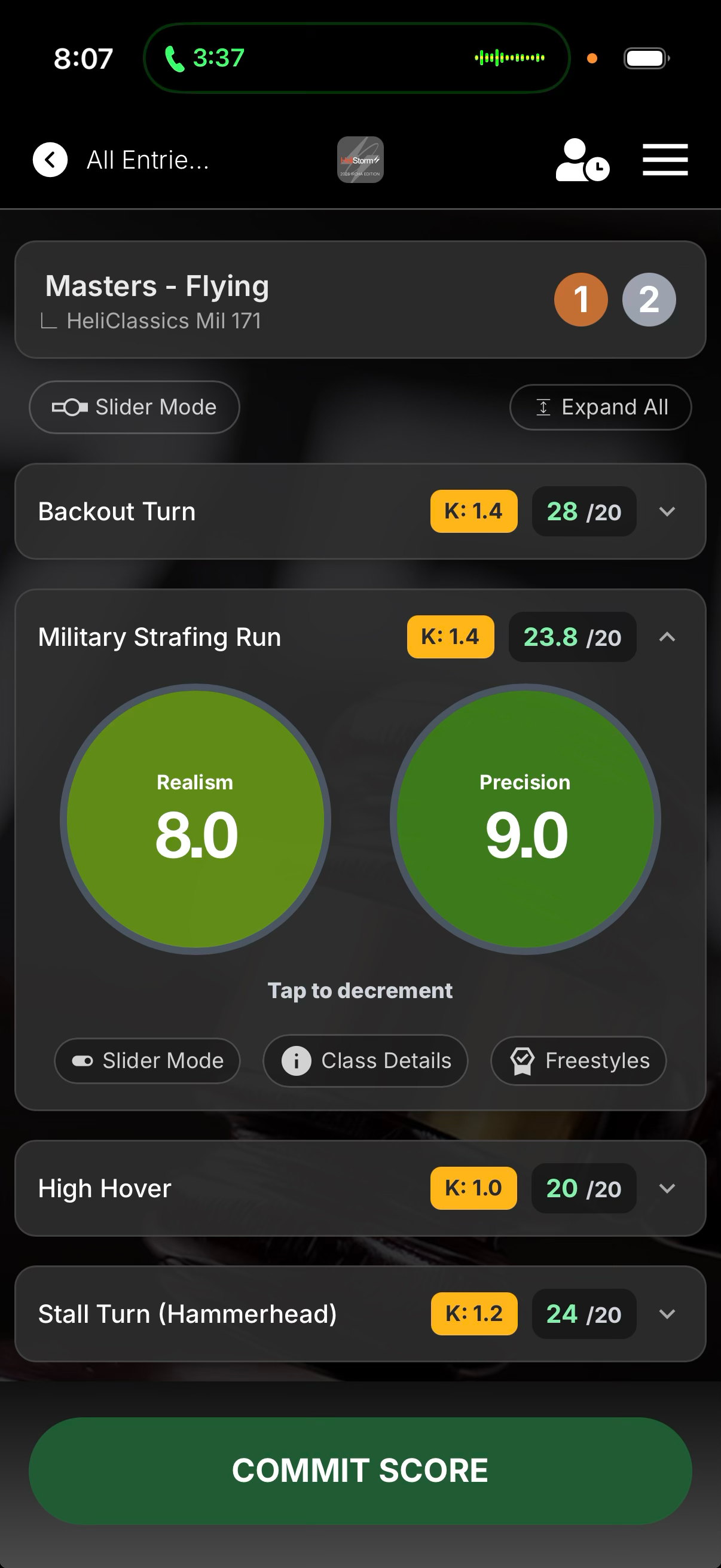
Heads-up tap to decrement
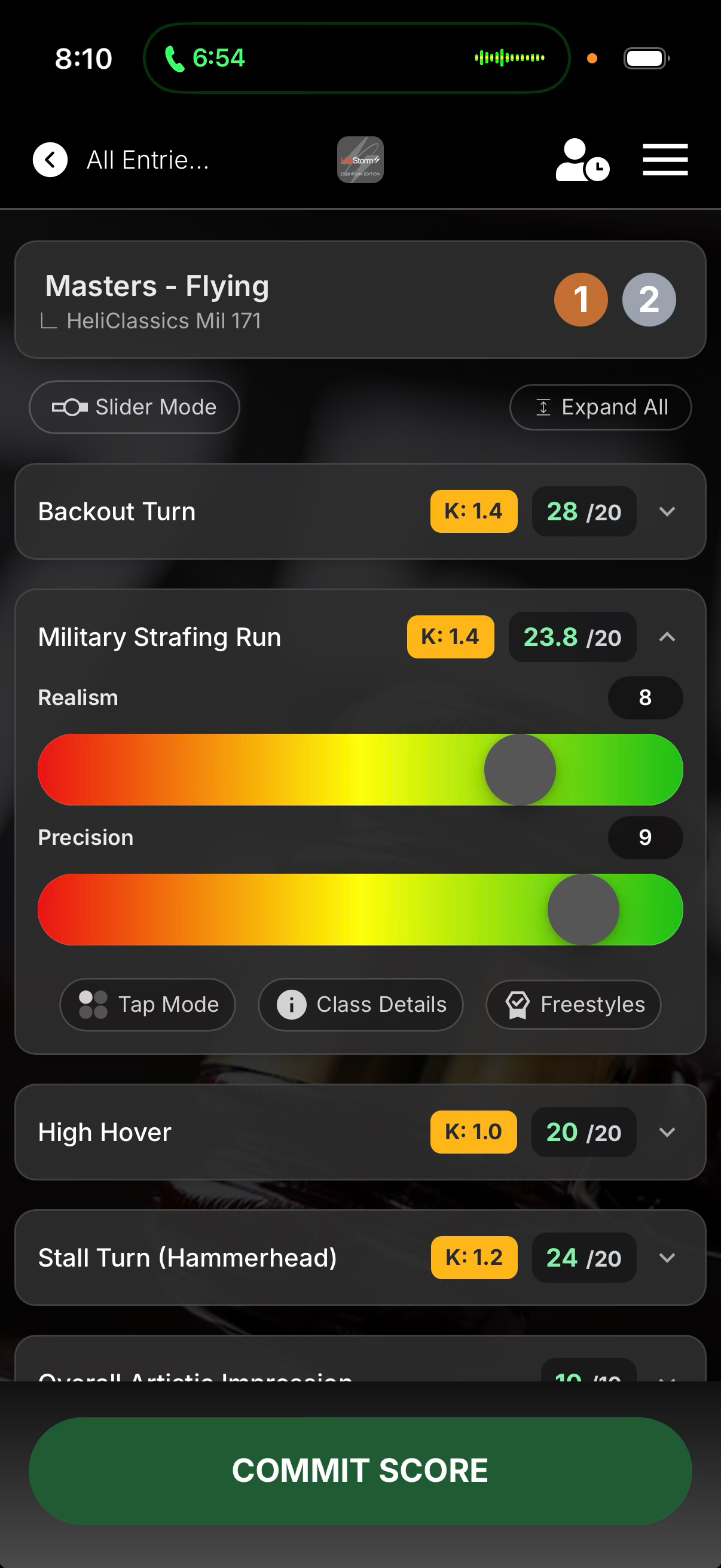
Sliders for adjustments
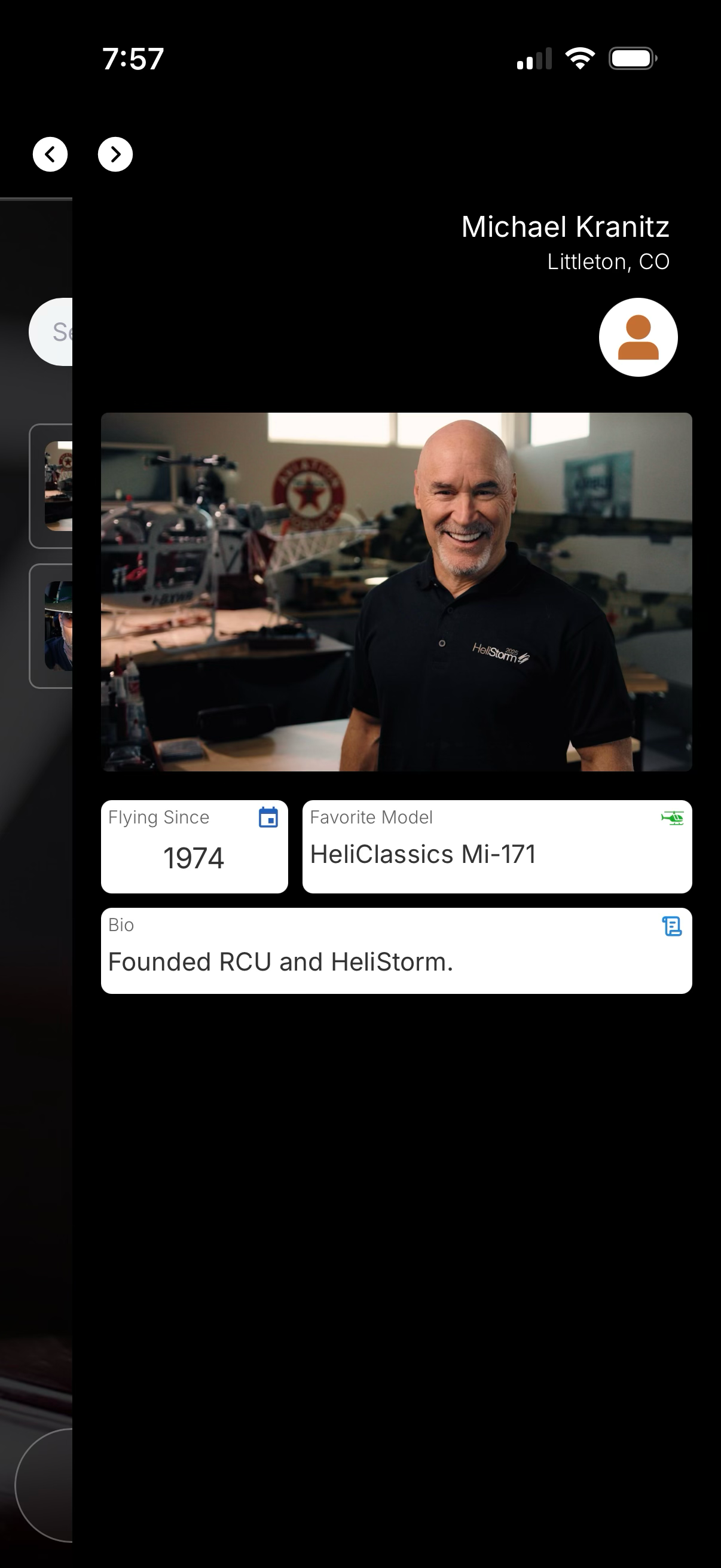
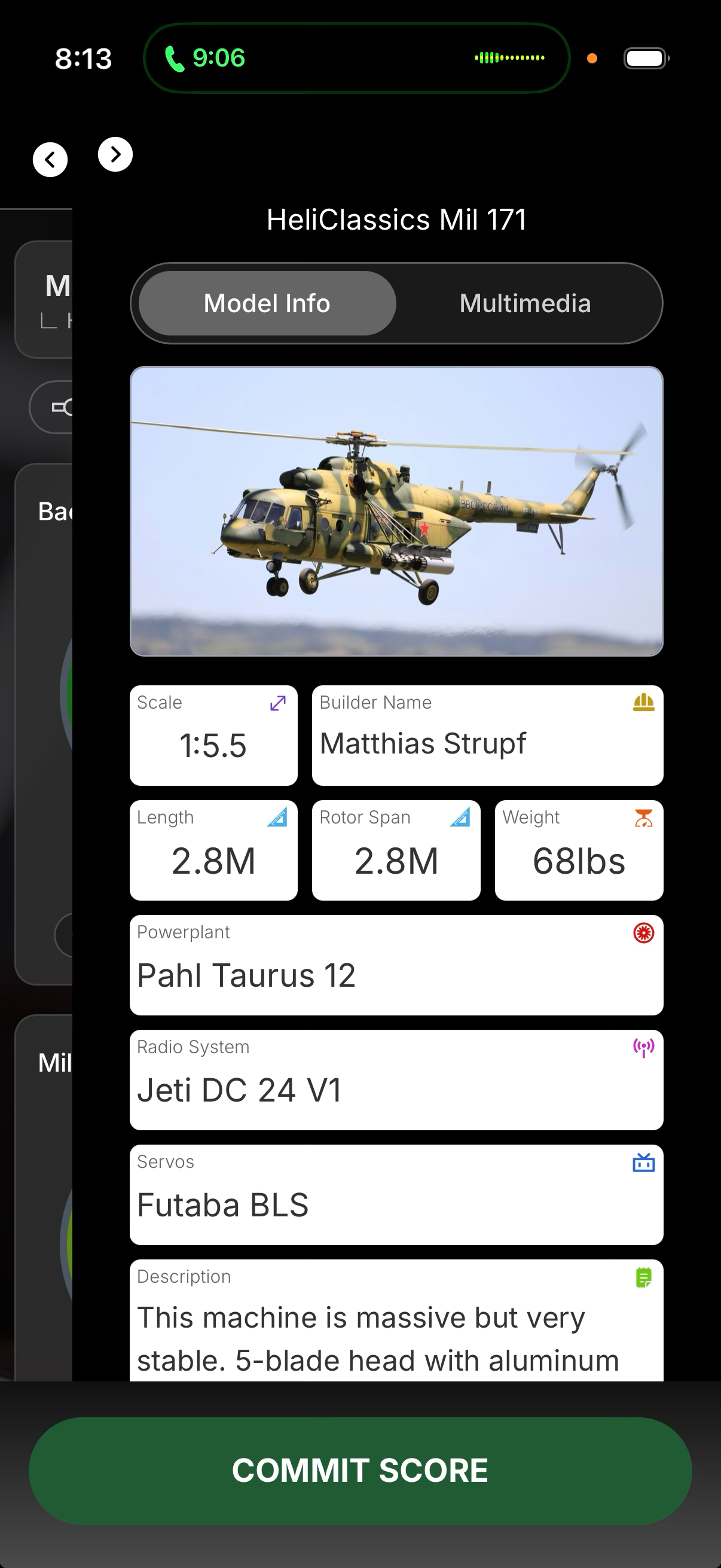
Judge can see model details
5.2

TECHNOLOGY — SECTION 5

LiveJudge™ Fan Experience

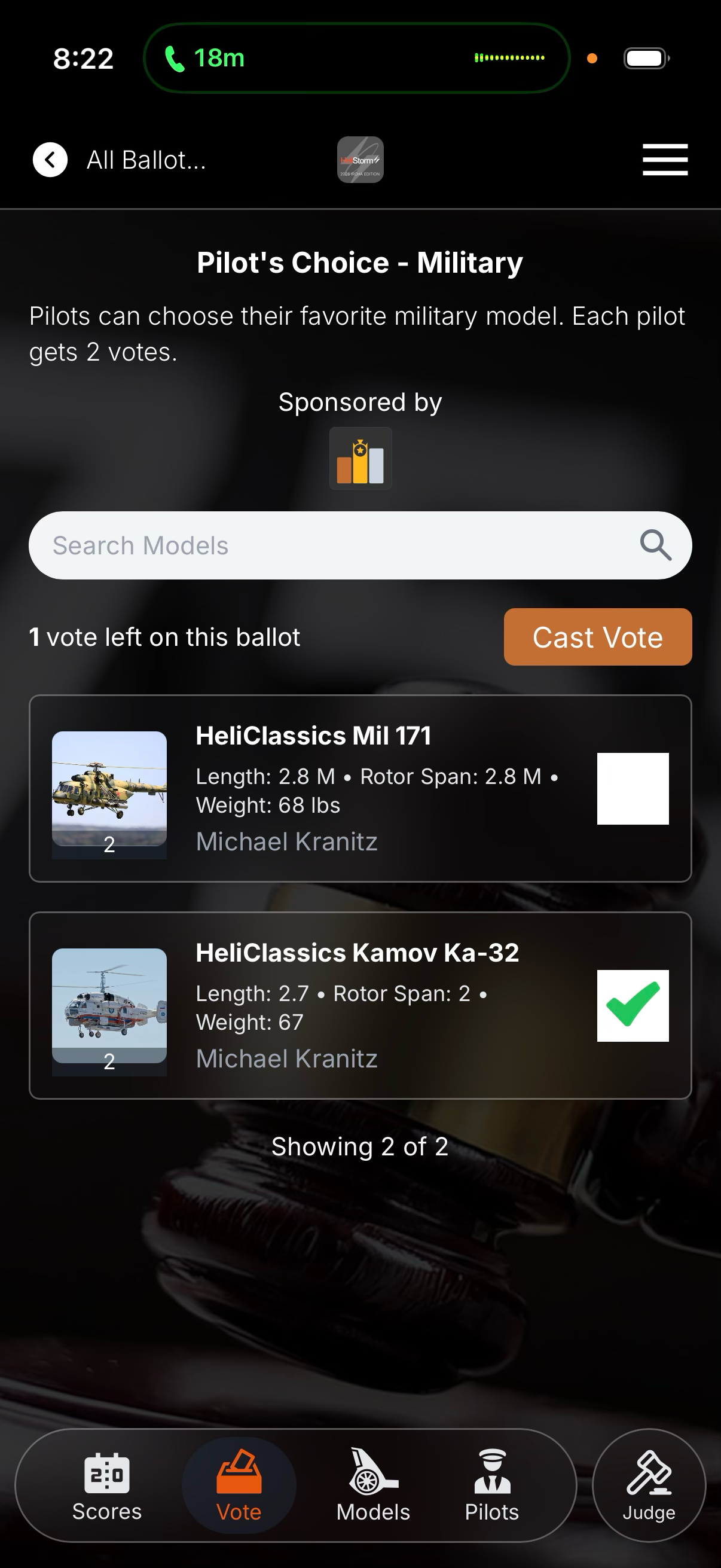
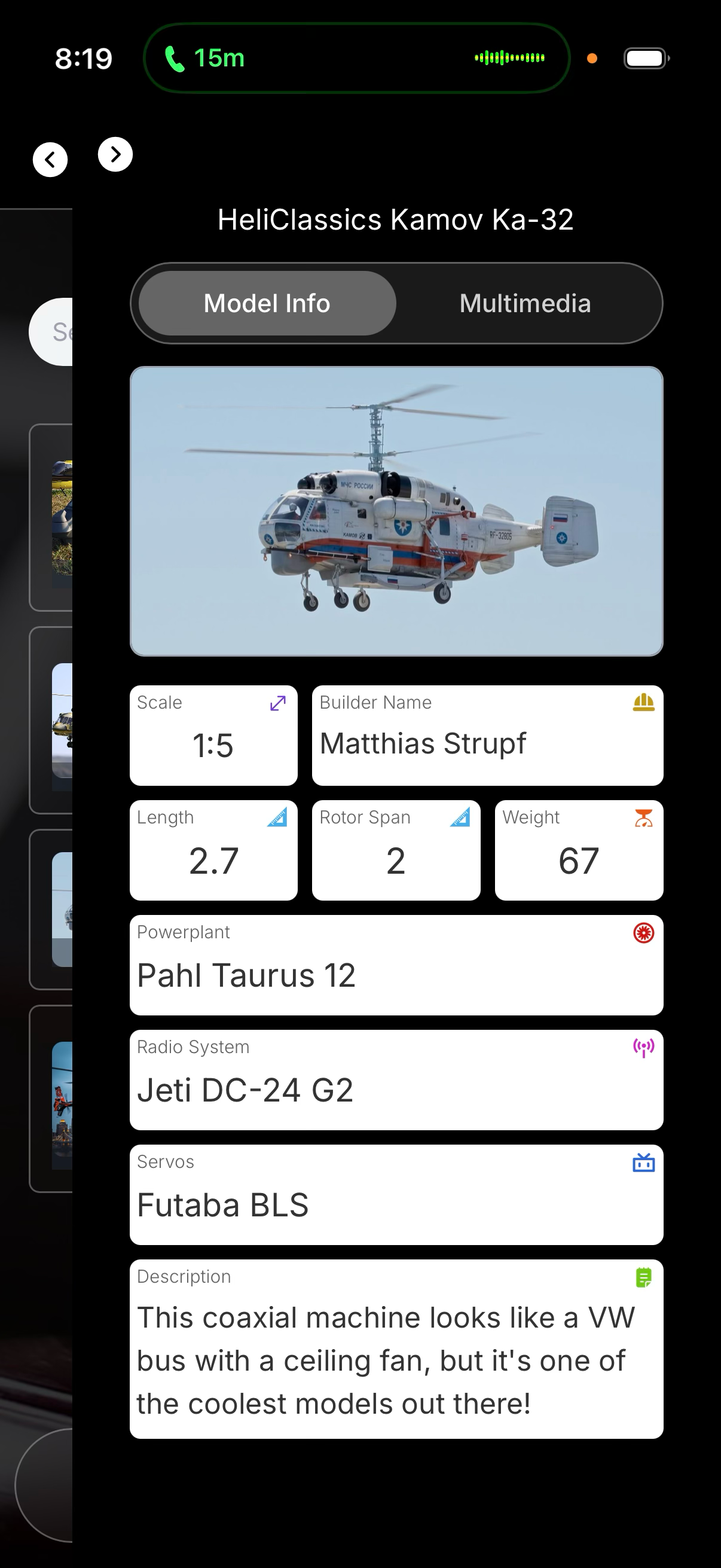
Engaging fans is key to growing the hobby. Spectators scan the event QR code to view models, pilots, specs and scores — and vote on “favorite” ballots — with NO DOWNLOAD AND NO LOGIN.
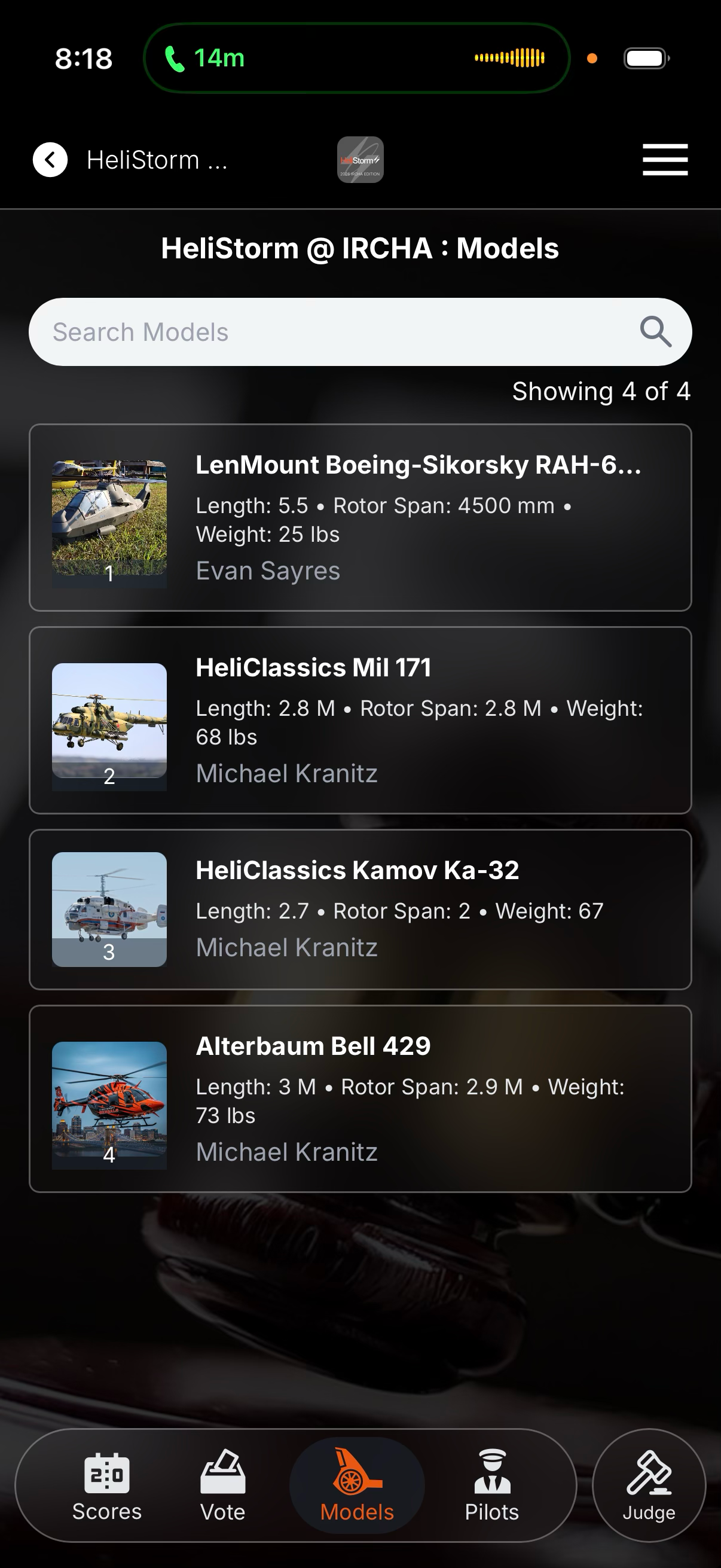
Model list
Model list
Model details
Model details
Fans & pilots can vote
5.3

TECHNOLOGY — SECTION 5

LiveJudge™ Admin Experience

When creating a new organization and event in LiveJudge™, most of the work is finished within the first 90 seconds. The admin area is accessed on a desktop or laptop computer.
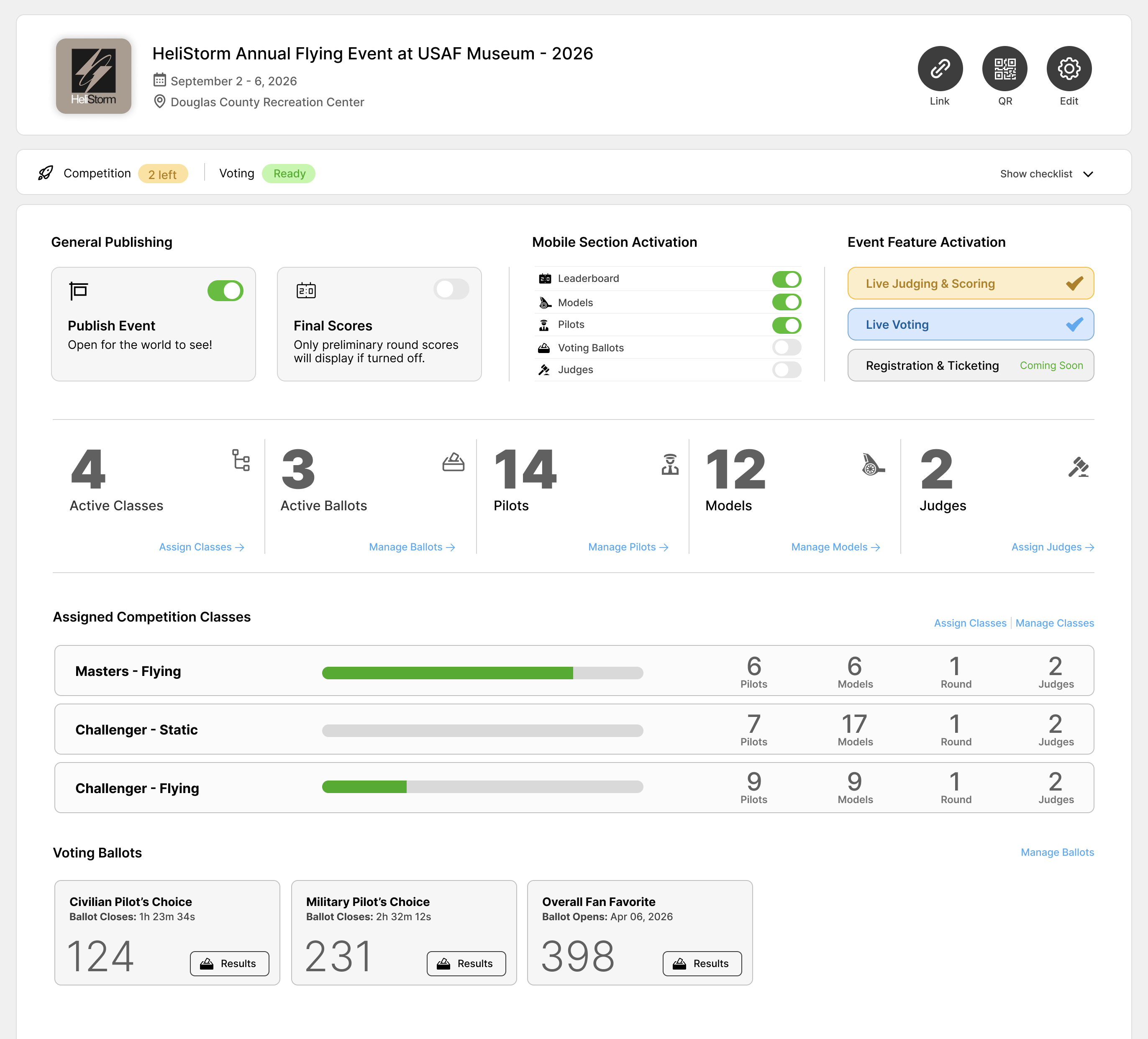
The dashboard is your event cockpit
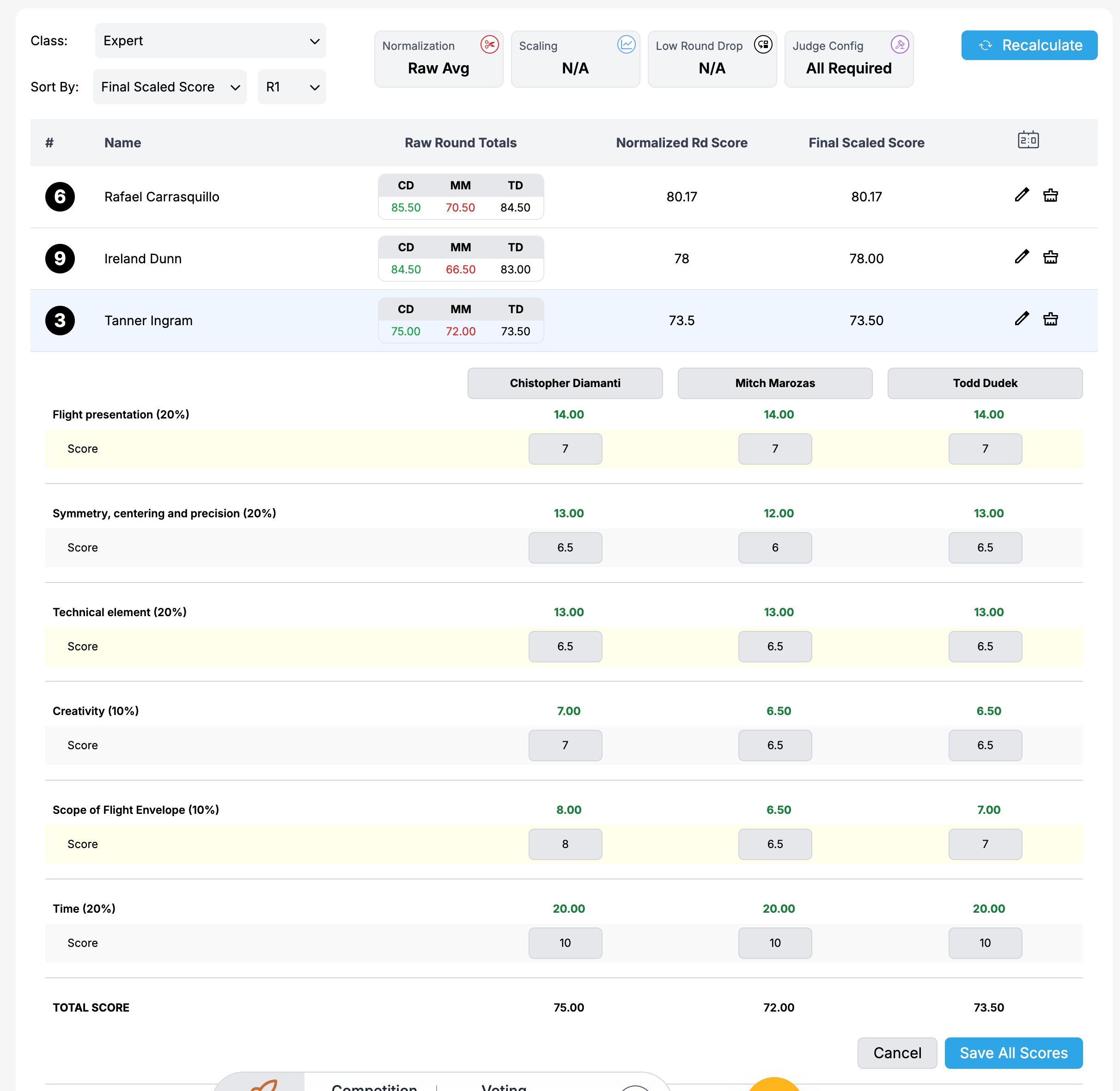
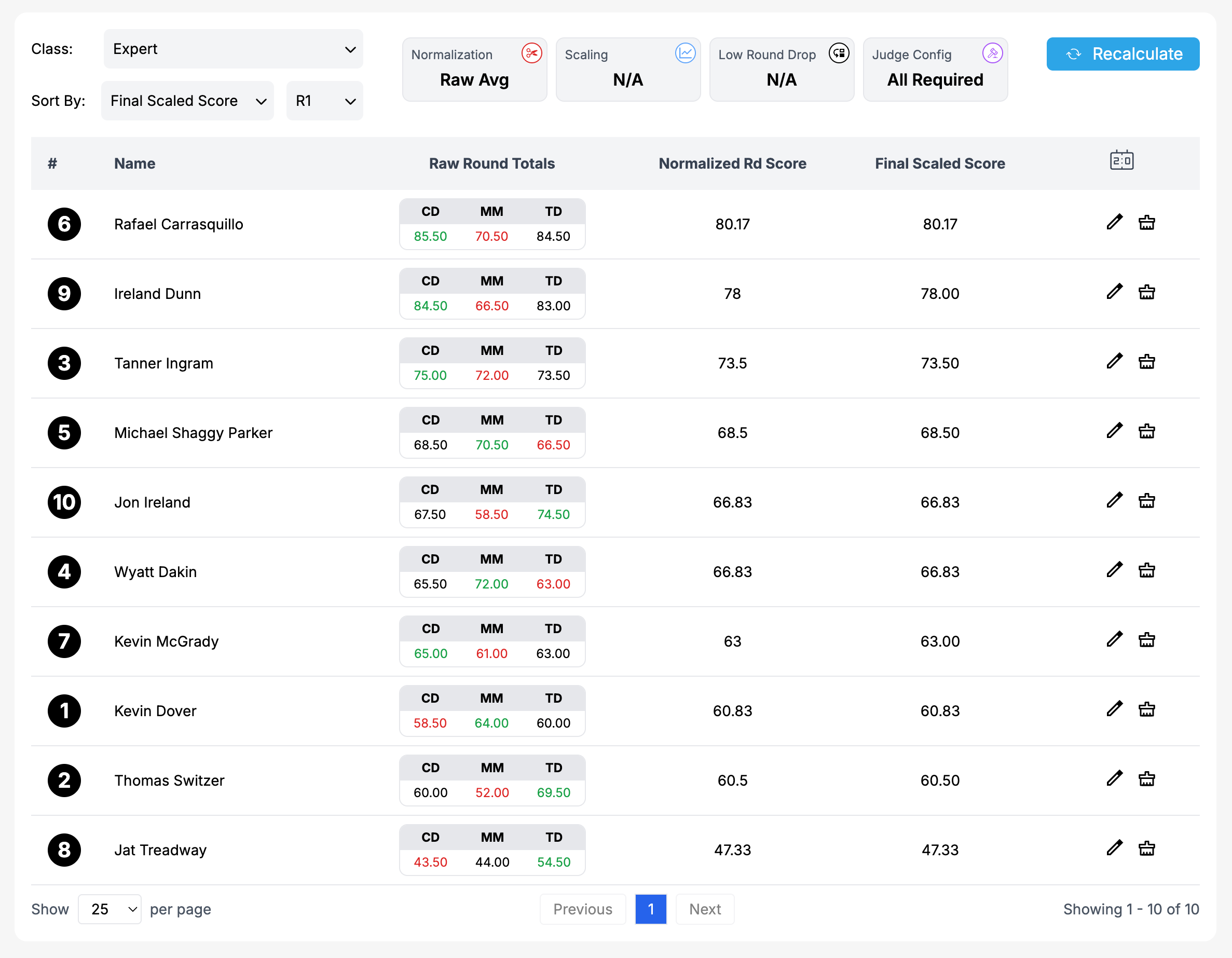
Scoring admin — full control over results
Per-judge scoring detail
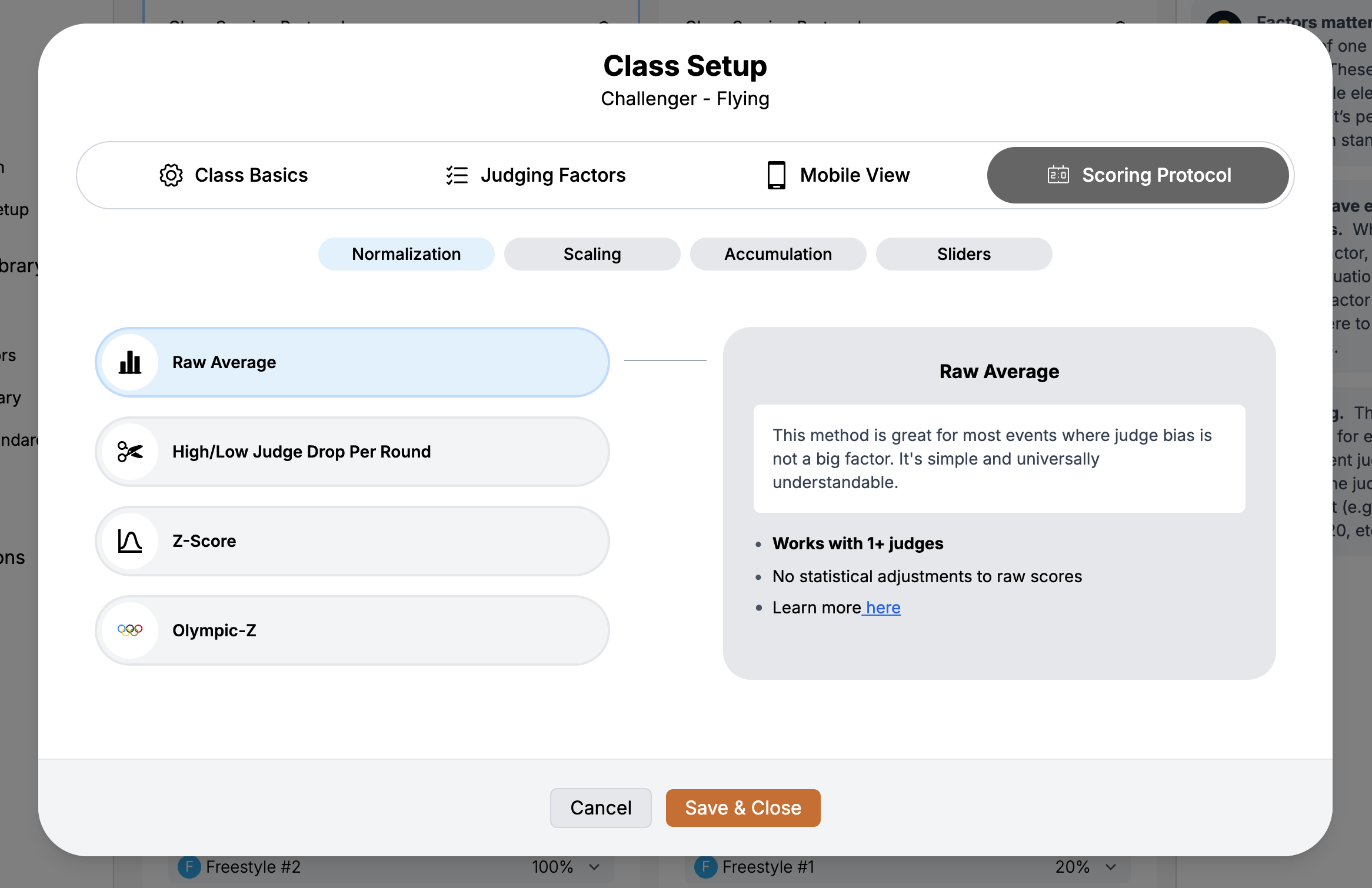
Class setup — normalization, scaling, sliders
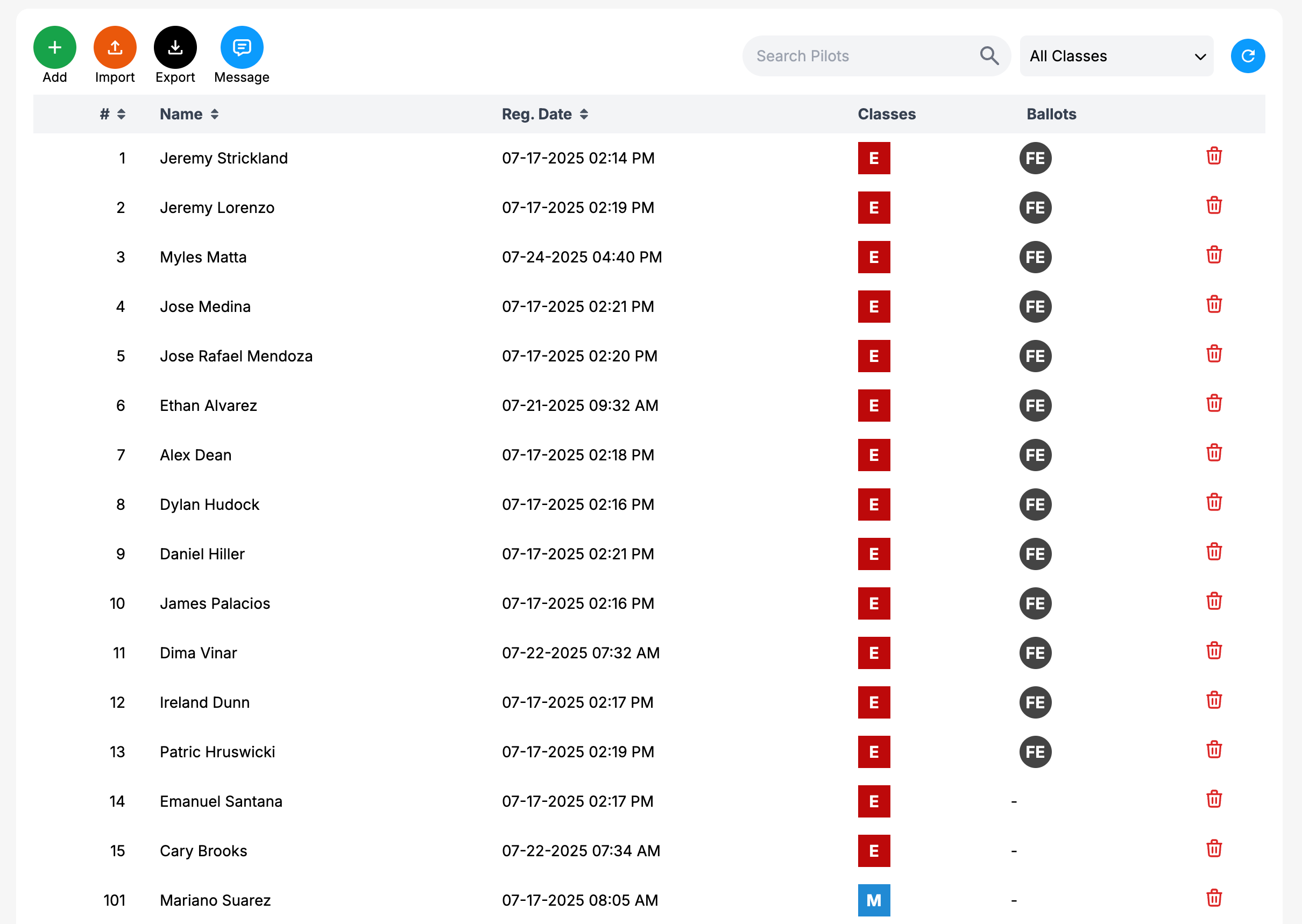
Pilot management — import or self-register